
We design video meetings and message services for industries where every interaction matters like healthcare, public authorities, fintech, insurance, and legal. In these fields we know that accessibility isn’t a “nice-to-have” feature — it’s essential for trust, inclusion, and confident participation. Everyone should be able to participate fully with no exceptions.
August 2025: We delivered 40+ accessibility improvements across our platforms
Each update might look small on its own, but together they make a big difference for people relying on screen readers, keyboard navigation, or assistive technologies. And more to come.
Some highlights:
- Alt text fixes across profile images, buttons, and polls
- Improved screen reader handling and navigation order
- Better keyboard support for settings, toggles, and dialogs
These improvements were shaped by user feedback and internal accessibility audits. By standardizing our UI components, we improve both usability and accessibility.
What's next?
We’re laying the foundation for future improvements:
Clearer, plain-language error messages
Smoother device verification on mobile
More accessible polls, including multi-select support and pNPS feedback to TDialog
UI upgrades to both video meeting and TDialog (secure messages)
These are part of our commitment to accessibility by design and by default, and to compliance with the European Accessibility Act (EAA).
Why accessibility matter for our customers
Healthcare: Patients must understand and engage in their care, free from technical barriers.
Public authorities: Citizens and employees need transparent, accessible access to information and services.
Fintech & insurance: Clarity and inclusion are vital in financial decision-making.
Legal: Every participant must be able to follow, contribute, and avoid costly mistakes.
How we work to be simple and inclusive
Preflight Check – Your Meeting, Your Control
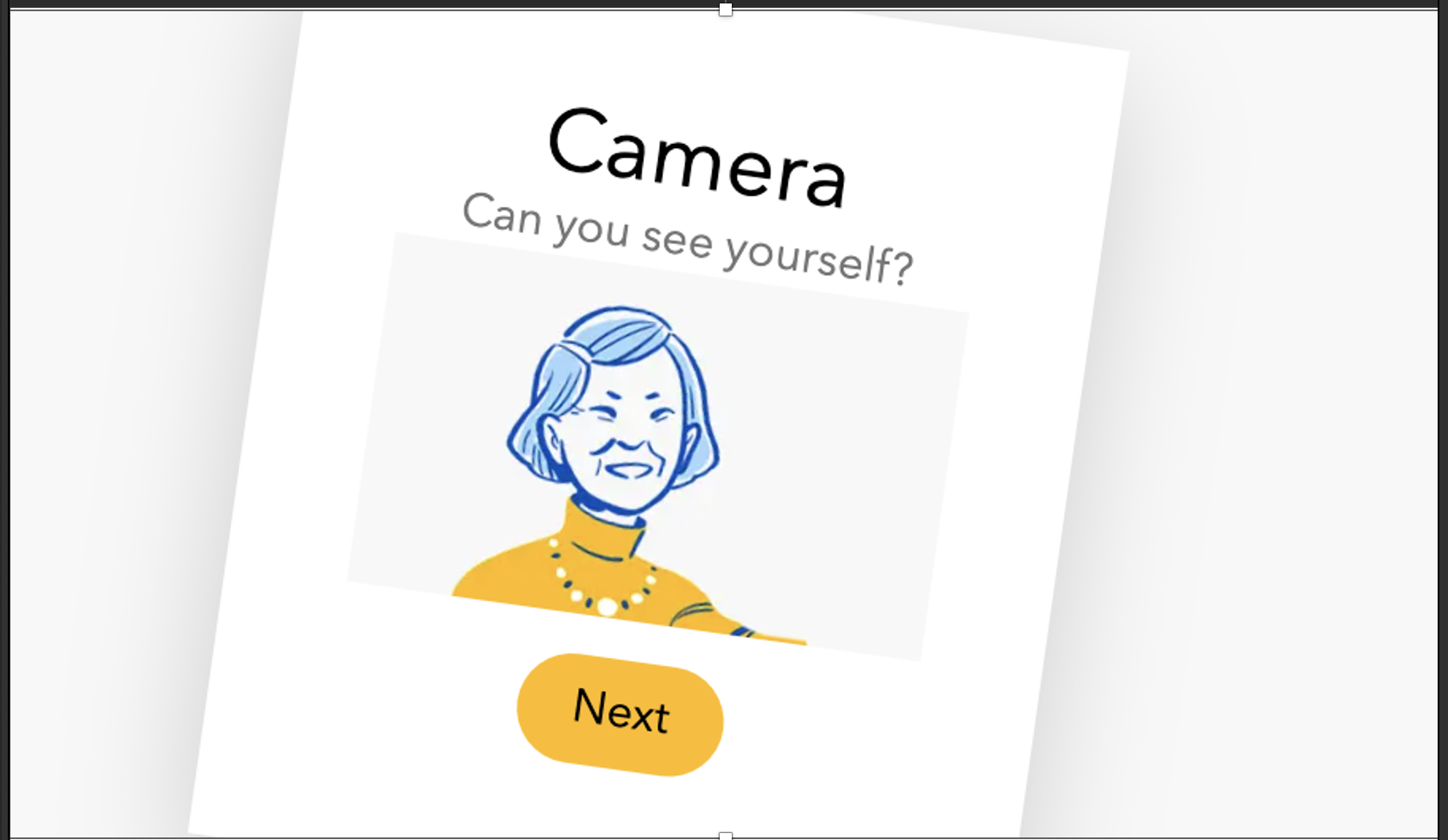
At our pre meeting test, users can test before the meeting: “Can you see yourself?”, “Can we hear you?”, “Can you hear the sound?”. We ask if the user can, not if the technology works. This human-centered approach helps eliminate technical obstacles like firewall restrictions, while keeping the focus on the experience.
Personalized & Accessible Branding
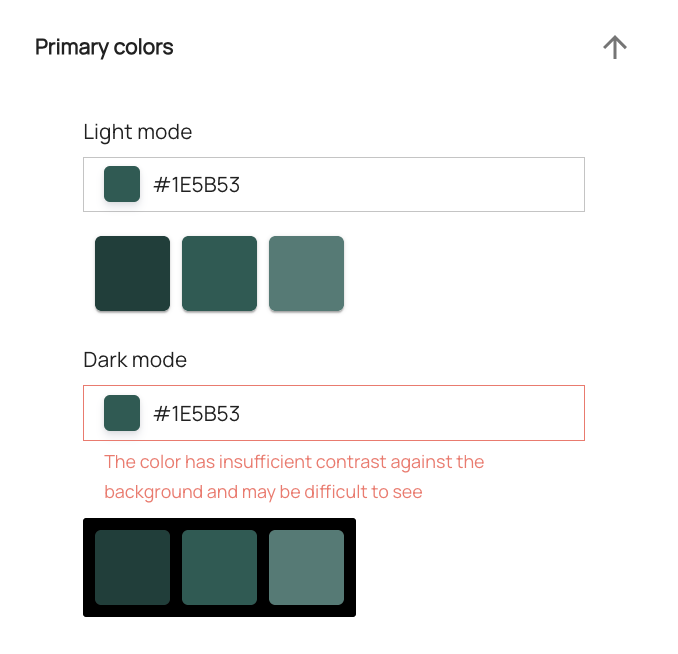
Customers can use their own colors, logos, and names throughout the journey. But we don’t leave it to chance – built-in accessibility checks ensure that every patient receives an inclusive, usable experience.
Screen reader & keyboard support
We aim for that every interface element shall works seamlessly with screen readers, and keyboard navigation is supported. Navigation is intuitive, predictable, and frustration-free.
Feedback Throughout the Journey
We don’t just ask about audio or video during the meeting. Our in-app feedback captures the full journey – from preflight to post-meeting – so improvements are based on real experiences, not assumptions.
Flexible Authentication
We support a majority of authentication methods like BankID, Freja, and SITHS. But we also know that pre-require some specific settings that not everyone is set up for. That’s why we made it easy for to as a customer to meet your end-users in other ways as well but still keep up the security intact:
- Create a lobby without authentication
- Add special cases where you add participants manually via phone number and SMS
Accessibility Is Ongoing
We know there’s always more to do. That’s why accessibility is built into our workflows: every new feature, every release, every test.
If you encounter barriers or have suggestions, we want to hear from you — your input helps us shape a communication platform that works better for everyone.
Want to know more? Read our latest accessibility statement!
Comments
0 comments
Please sign in to leave a comment.